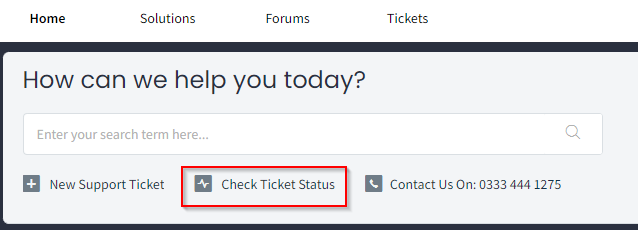
- If you wish to view closed tickets, click Check Ticket Status from the portal home page as below.
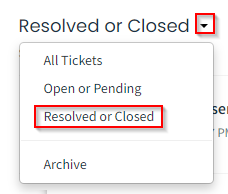
- From the next screen select the ticket selection drop down as below and select Resolved or Closed.
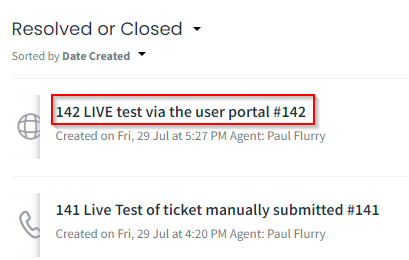
- Click on the required ticket to open the ticket details.
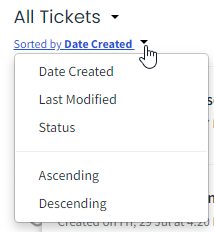
You can also set the sort of tickets shown by click the drop down as below.
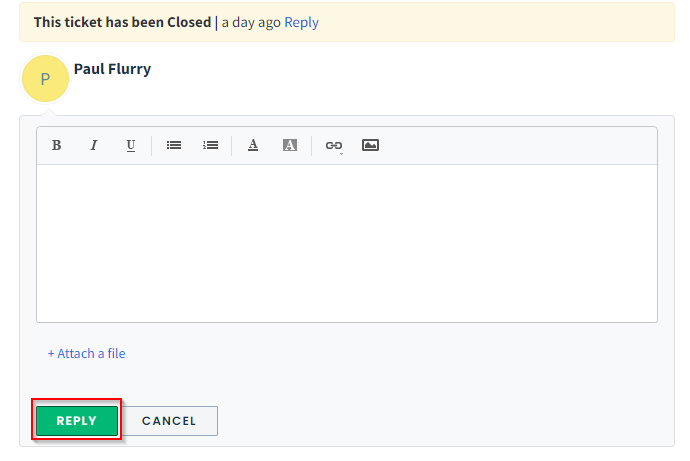
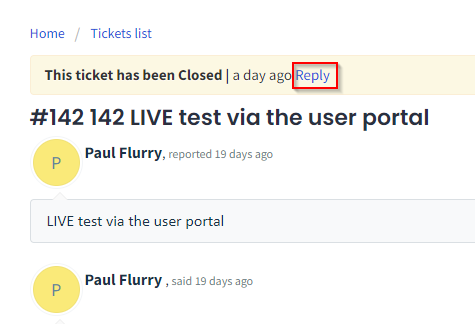
- If you need to reopen the ticket click on Reply at the top of the screen.
- To reopen the ticket, enter your comments in the box provided and add any attachments and click Reply.